Your words. Your device.
FluidVoice turns rough, rambling speech into polished, ready-to-send text. Local by default. Available for Mac, with Windows and iPhone in beta.
Meetings too. Meet FluidMeet ↗
fluidvoice.org is not official, endorsed by, or affiliated with FluidVoice. Avoid downloads there and report misleading listings. Our official website is fluidvoice.com.
350,000+ downloads · macOS 15.0+ · Apple Silicon & Intel
Watch FluidVoice and Fluid Intelligence work
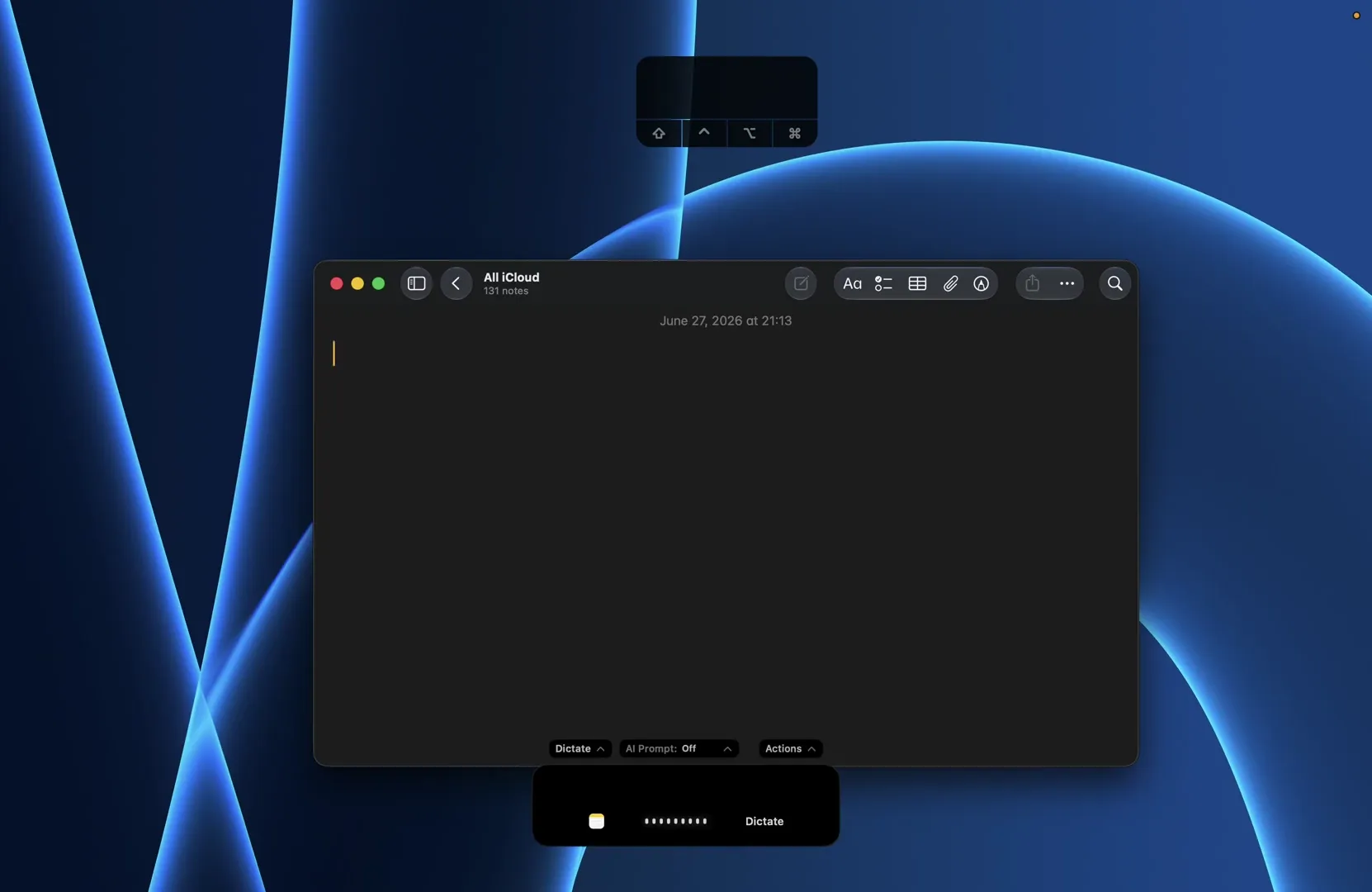
Raw FluidVoice dictation — speech hits the terminal as fast as you can talk.
Try it yourself
Take FluidVoice for a spin

The demo plays automatically — press ⌥ anytime to replay
Why it's different
From spoken thoughts to finished text.
On Mac, Fluid Speech Mini handles transcription. Fluid Intelligence then cleans up your words with a Fluid-1 model — all locally, by default.
01
You speak
Hold one hotkey and talk normally — ums, stumbles, and mid-sentence changes of mind included.
02
Transcribed on-device
Fluid Speech Mini converts your audio to text on your device.
03 · Fluid-1
Fluid-1 rewrites it
Our custom-trained post-processing model strips filler, fixes casing, formats structure, and matches the tone of the app you're in.
Loved by the community
From developers to multilingual teams
350,000+
Downloads
3
On-device AI models
Free
Forever, no tiers
GPLv3
Open source
40+
Languages
FLUID INTELLIGENCE · ON MAC
Local intelligence. Three model options.
Fast local speech recognition meets on-device text cleanup. Pair Fluid Speech Mini with Fluid-1, Mini, or Pico. All three Fluid-1 models are available now.
Fluid-1
The original Fluid-1 model.
Fluid-1 Mini
Under 1.5 GB download.
Fluid-1 Pico
600 MB download. A starting point for a base M1 Air.
WHO IT’S FOR
For work you want to keep private.
Local processing by default keeps your audio and dictated text on your device. Optional cloud features are your choice.
Privacy-conscious people
Write messages, personal notes, and ideas without sending your dictation to a cloud service.
Lawyers and legal teams
Draft correspondence, case notes, and working documents with local dictation.
Private banking and finance teams
A local option for drafting internal notes and correspondence, subject to your organization’s policies.
Developers and researchers
Dictate prompts, technical notes, and research drafts while keeping transcription local.
People who prefer speaking
An alternative to typing for everyday communication and longer writing sessions.
Teams in meetings
Explore FluidMeet for meeting workflows alongside everyday dictation.
INSIDE THE MAC APP
Powerful features, seamlessly integrated
Capture, intelligence, and speed in a single local pipeline — one hotkey away in any app.
Real-time speed
Speaking is ~3.7x faster than typing. Text lands instantly so ideas stay in motion.
Speaking
~3.7x
faster than typing
System-wide input
One shortcut, any text field. Email, docs, chat, terminal, and code editors all work the same.
Works offline
Local speech models process everything on-device. No Wi-Fi, no problem.
Fluid Intelligence
On-device AI polishes formatting, capitalization, and post-processing. Zero data leaves your Mac.
Predefined modes
Write Mode, Command Mode, and Direct Dictation - switch context instantly.
Multilanguage support
40+ languages across models. From Nemotron to Whisper, speak naturally in your language.
Apple Silicon optimized
CoreML and Metal deliver low-latency transcription while preserving battery efficiency.
engine · CoreML + Metal
target · Apple Silicon M-series
AI post-processing
Local or cloud — Fluid Intelligence, OpenAI, Groq, or custom providers. You choose.
Adaptive tone
Different apps, different tone
Customize prompts for each app so your dictation fits the context.
“hey so um the deploy broke because of the config change from yesterday, I fixed it but we should probably review those before pushing to prod going forward”
Rohit 9:42 AM
hey team — deploy broke from yesterday's config change. fixed it now, but we should probably start reviewing configs before pushing to prod 🙏
01
Customize per app
Write custom prompts for any app. Slack casual, Mail formal, GitHub structured — you define it.
02
Detects the app
FluidVoice recognizes which app is focused and selects the matching tone profile automatically.
03
Same voice, right tone
Speak naturally. Fluid-1 rewrites your words to fit the context without changing your meaning.
Performance
Built for speed you can feel
FluidVoice keeps inference local and latency low so your writing flow stays uninterrupted.
Fast enough to feel immediate while moving through thought-heavy tasks.
Up to
0x
Peak throughput varies by hardware, model, and audio length.
Local-first dictation
Local speech models keep dictation on-device; optional AI providers are user-controlled.
Multi-hour long-form windows
Handles extended transcription sessions without manual chunking.
Architecture highlights
mic→on-device model→CoreML · Metal→text in any app
Model lineup spans Nemotron Speech 3.5, Parakeet Flash, Parakeet TDT v3/v2, Cohere Transcribe, Apple Speech, and Whisper, with optimized routing to keep transcription responsive across short bursts and long dictation sessions.
What the community says
Loved by developers, built for how you work
Free forever
“Thank you for making it free, forever! Hope to see it support more languages soon!”
GitHub discussion
Community-first growth
“Very nice! I imagine monetization in future might be easier cause you're being distributed for free. Smart plan.”
Early adopter
Open source trust
“Thanks for making it open source”
Developer comment
Multilingual reliability
“It works fine in German by the way (Tahoe, Mac Mini M2 Pro, external mic). This opens a host of new possibilities for interacting with my Mac.”
German workflow
Intent recovery
“Wow, impressive. I stumbled while dictating and the transcriber caught it and output the word I had intended to say!”
Daily dictation
Head-to-head speed
“This is a really impressive app, speedy and accurate. It's just as good as Wispr Flow in my testing.”
Comparison test
Product polish
“This is unbelievably slick. Congrats, and well done.”
Launch feedback
Open source goodwill
“Solid product! and super cool of you to make it open source :)”
Community comment
Language + media
“I just did a quick test in French using dictation and also tried transcribing a video — both worked very well.”
French test
Developer adoption
“Love the project. Thanks for building this!”
GitHub reaction
Retention
“Having been one of the early users, I want to say thank you and amazing job!”
Early user
Momentum
“All the best of success with this. Congrats :)”
Community support
Free forever
“Thank you for making it free, forever! Hope to see it support more languages soon!”
GitHub discussion
Community-first growth
“Very nice! I imagine monetization in future might be easier cause you're being distributed for free. Smart plan.”
Early adopter
Open source trust
“Thanks for making it open source”
Developer comment
Multilingual reliability
“It works fine in German by the way (Tahoe, Mac Mini M2 Pro, external mic). This opens a host of new possibilities for interacting with my Mac.”
German workflow
Intent recovery
“Wow, impressive. I stumbled while dictating and the transcriber caught it and output the word I had intended to say!”
Daily dictation
Head-to-head speed
“This is a really impressive app, speedy and accurate. It's just as good as Wispr Flow in my testing.”
Comparison test
Product polish
“This is unbelievably slick. Congrats, and well done.”
Launch feedback
Open source goodwill
“Solid product! and super cool of you to make it open source :)”
Community comment
Language + media
“I just did a quick test in French using dictation and also tried transcribing a video — both worked very well.”
French test
Developer adoption
“Love the project. Thanks for building this!”
GitHub reaction
Retention
“Having been one of the early users, I want to say thank you and amazing job!”
Early user
Momentum
“All the best of success with this. Congrats :)”
Community support
FAQ